C’mon Rockstar!

CONGRATULATION! : You're Already Ahead of 85% of FLAXXA STUDIO Users.

DON'T CLOSE THIS PAGE!!

You're Just One Click Away From Unlocking...

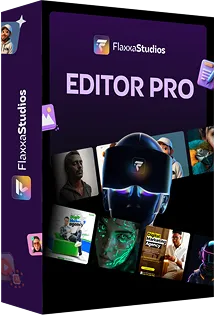
FLAXXA STUDIO EDITOR PRO

Professional-Grade Design Control Makes You a

Master Almost Effortlessly & Automatically Separates you from the Amateurs!

Limited Time Offer: Only A One Time Investment TODAY.

Yes, I'm ready to become a Master With FLAXXA STUDIO Editor Pro

Unlock Launch Special Perks By Picking Your Copy Today 🔥

2,847 Of People Can't Be Wrong

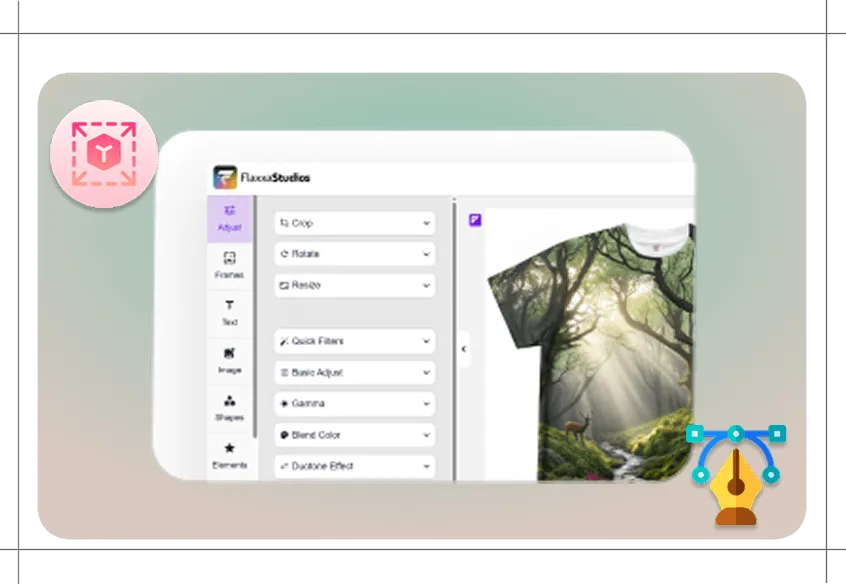
01) Work Like a Pro With Full Canvas Controls

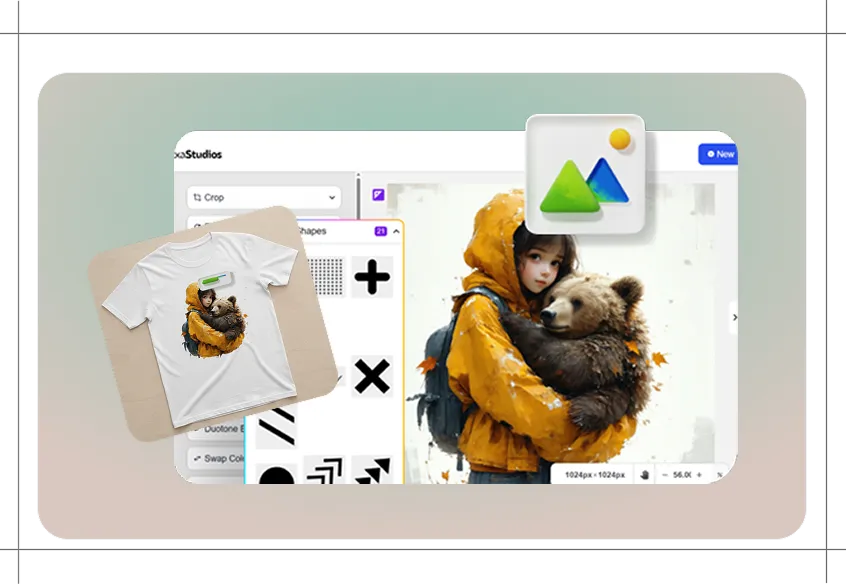
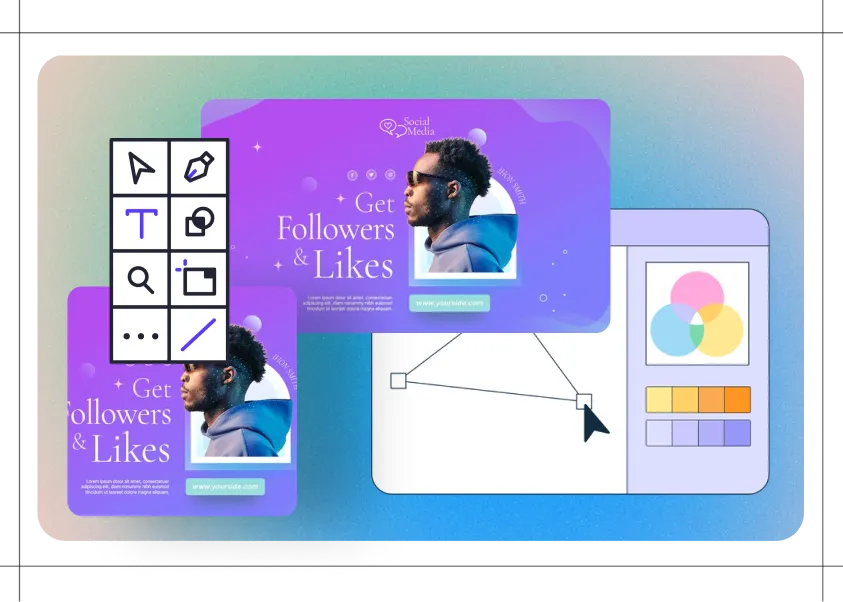
Get an advanced editor with layers, masks, and guides. This means you can move elements around freely, fine-tune details, and create polished, professional layouts.

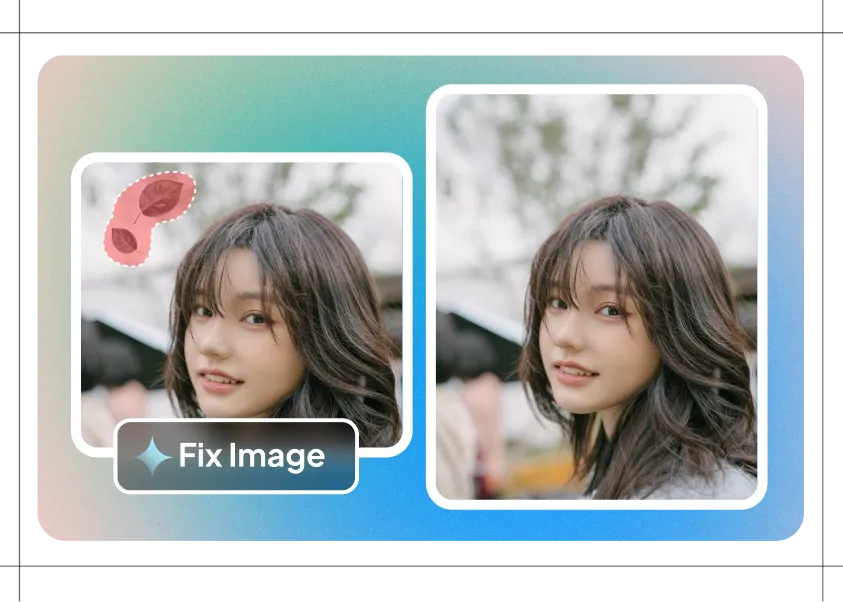
02) Fix Images With Precision Inpainting Tools

Use brush-based editing to clean up faces, hands, or clothing. Feather edges and adjust strength so your fixes blend in naturally and look flawless.

03) Expand Any Image Into a Larger Scene

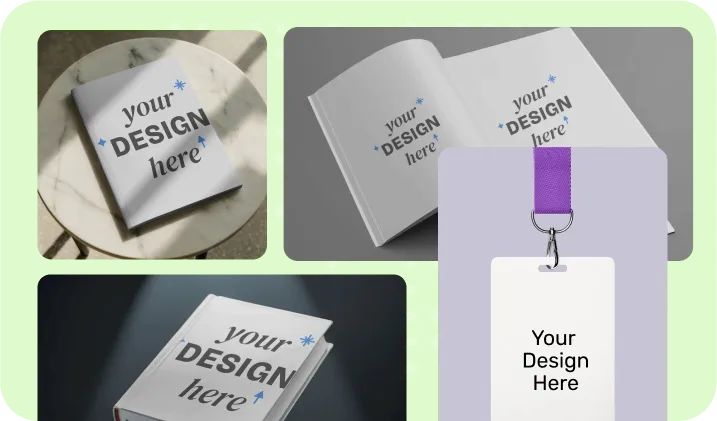
Turn a small picture into a wide banner or book cover with smart outpainting. The AI fills edges seamlessly so everything looks like one original shot.

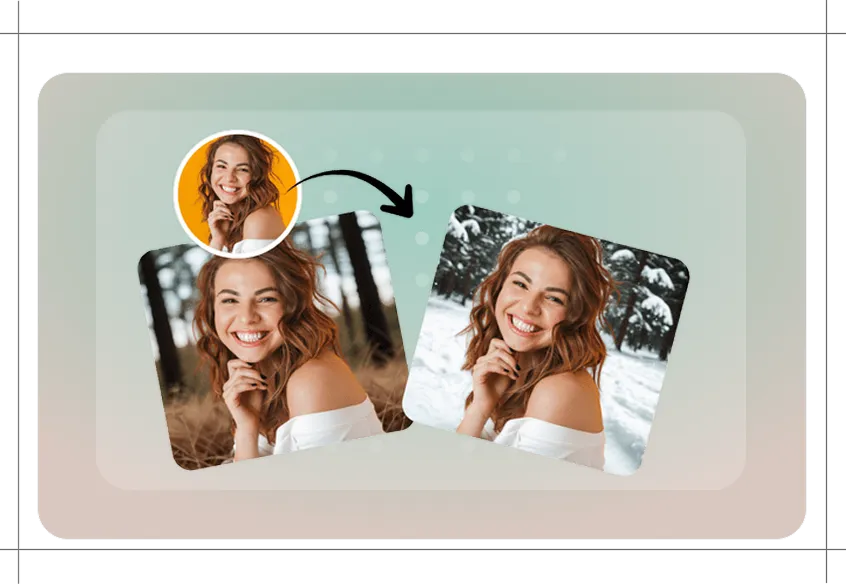
04) Change Backgrounds Without the “Cutout” Look

Remove or replace backgrounds instantly, then relight and match shadows so your final image looks natural and studio-shot.

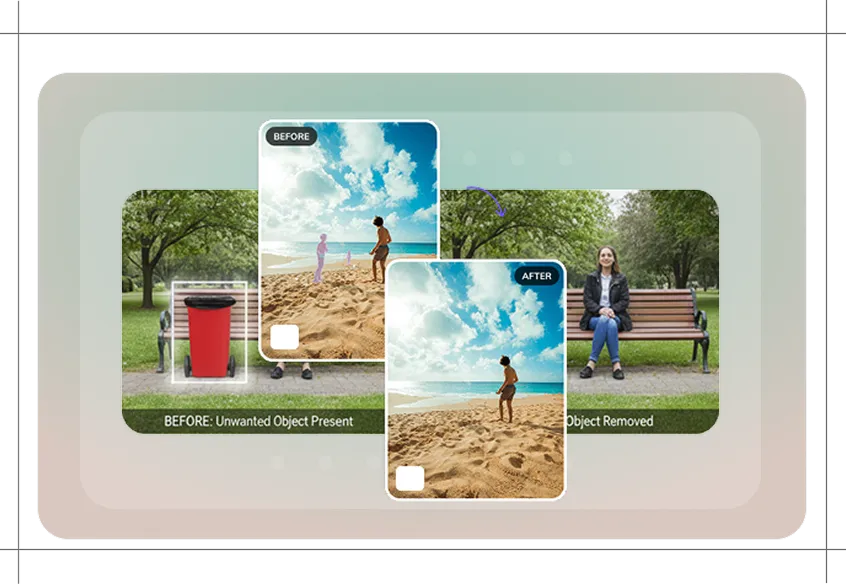
05) Erase or Replace Objects Naturally

Need to remove an unwanted item or swap in a new one? Smart object replace matches color and lighting so your edits dont look fake.

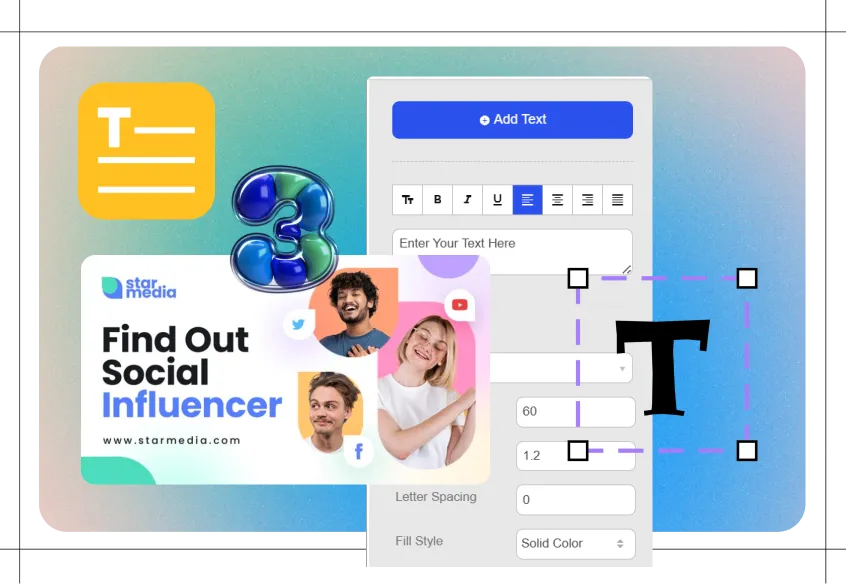
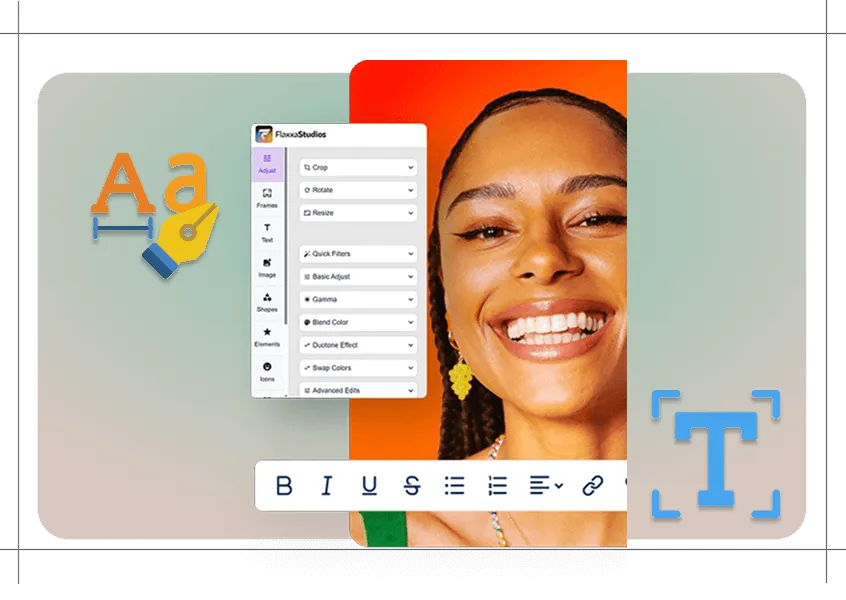
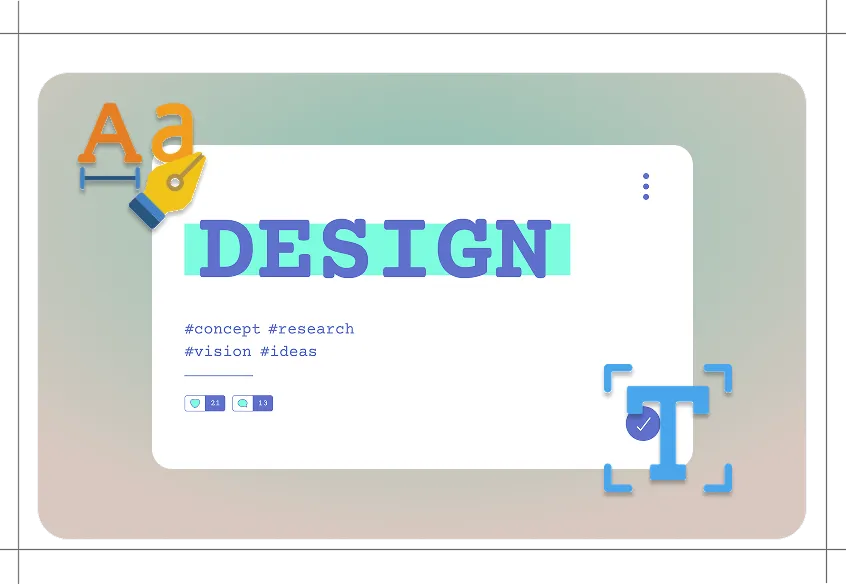
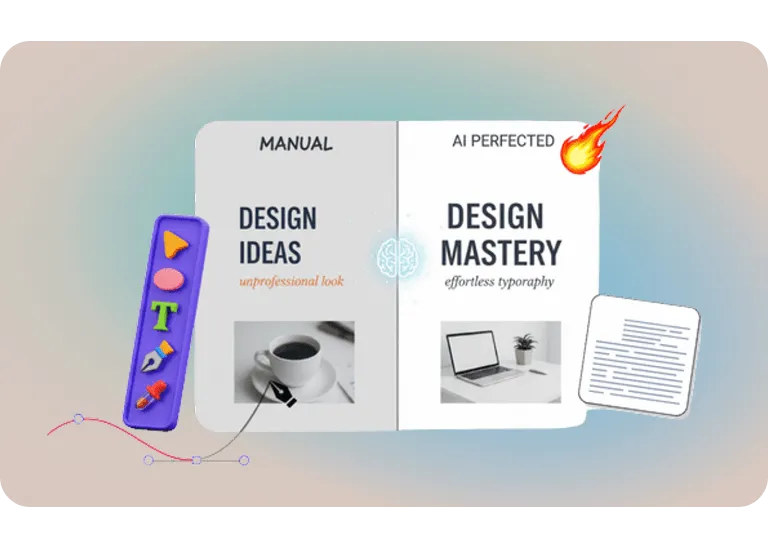
06) Add Text That Always Looks Perfect

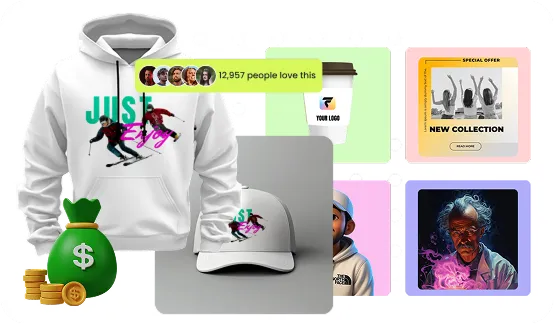
Use kerning, warp sliders, and font auto-detect to add text that stays sharp at any size. Logos, T-shirts, ads, and thumbnails all come out with professional typography.

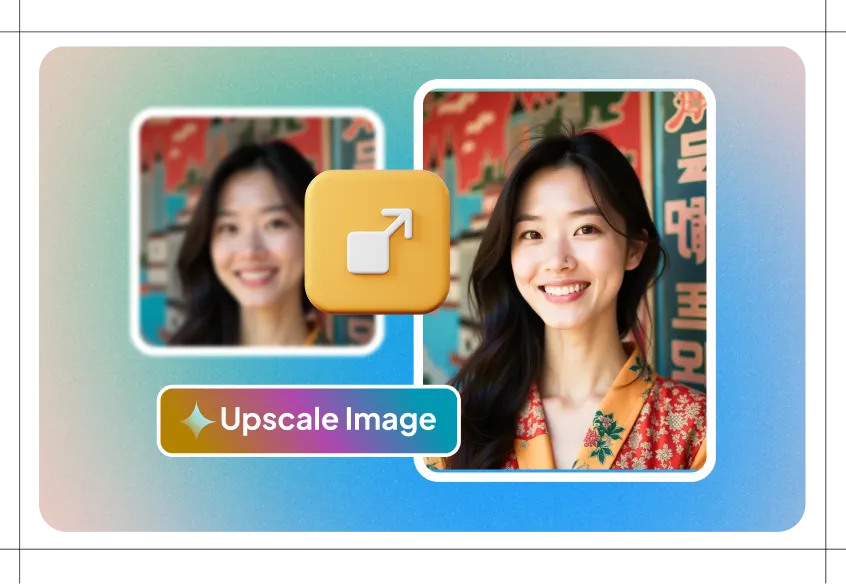
07) Upscale Images Up to 8× Bigger

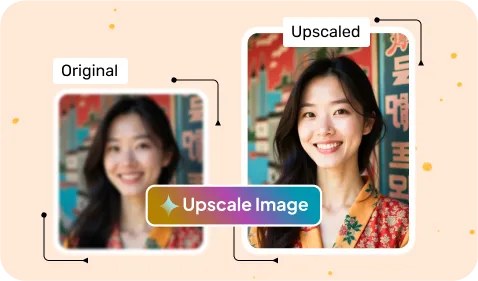
Turn small, low-res designs into crisp, high-resolution images. Perfect for print, merch, or large ads where quality matters.

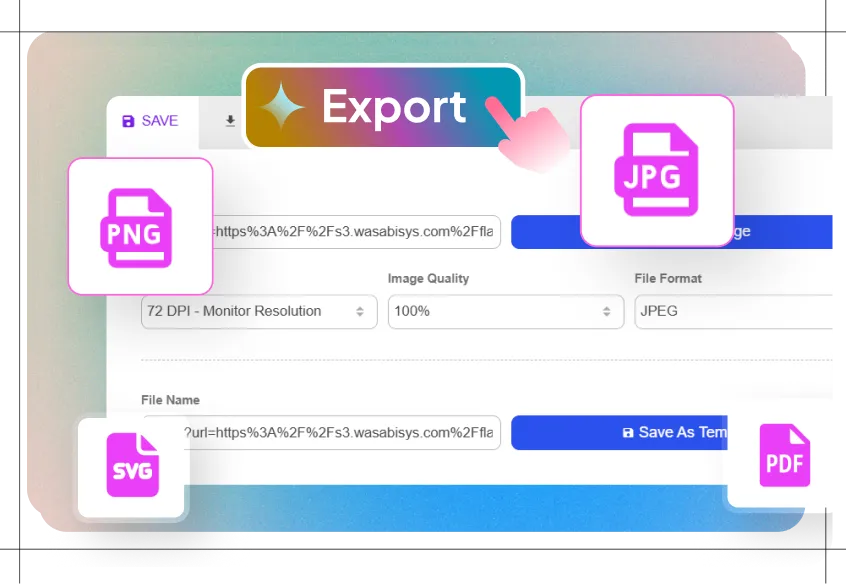
08) Export in Pro File Formats

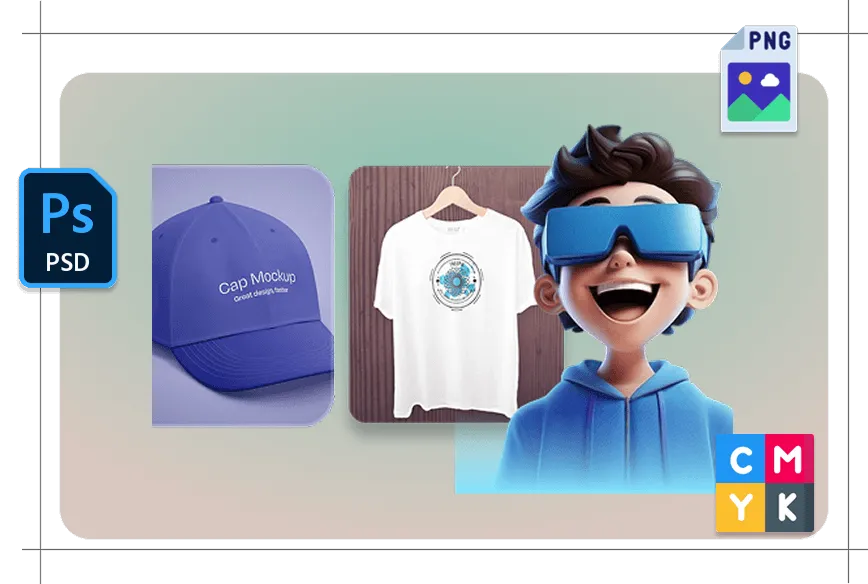
Download PSD or PSB files to open in Photoshop, export transparent PNGs, or use CMYK presets for print-ready results.

09) Compare Versions Side by Side

View edits A/B style so you can instantly see which design looks best. You can also roll back to earlier versions at any time.

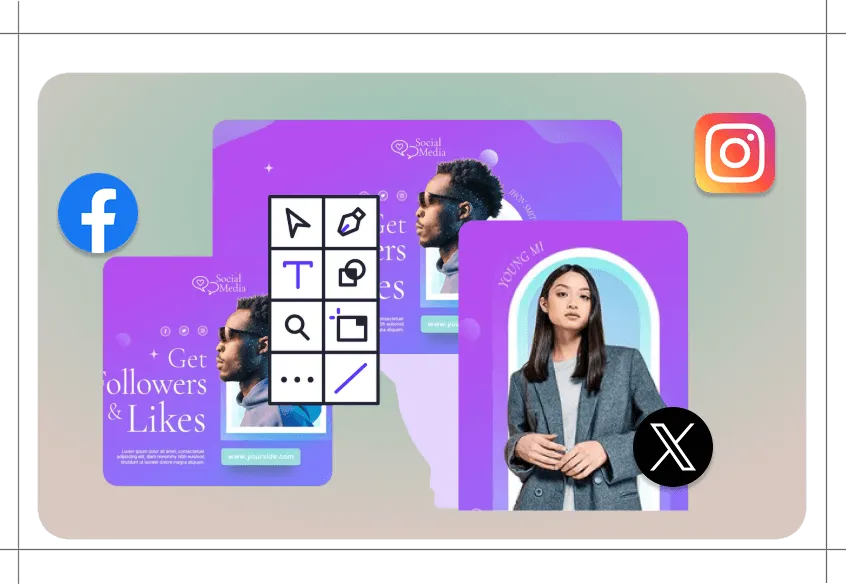
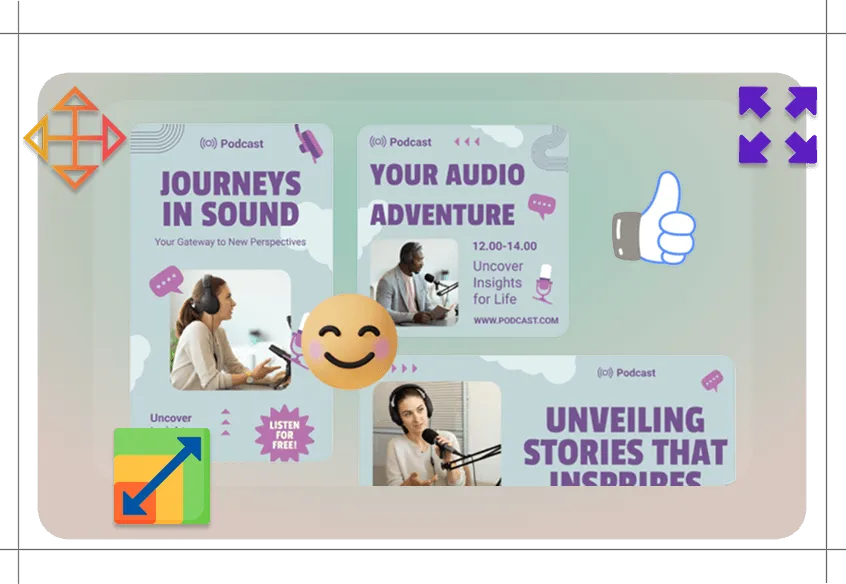
10) Resize for Every Platform in One Click

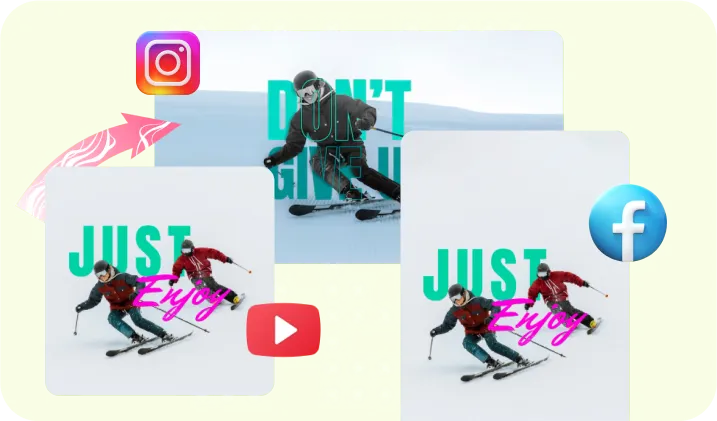
Create smart, batch resizes for social platforms, ads, or stores. Safe-zones are auto-applied so nothing important gets cut off.

Included With Your Purchase
(First 500 Buyers Only)

Limited Time Offer: Only A One Time Investment TODAY.
Get Commercial License Upgrade Today For FREE!

Yes, I'm ready to become a Master With FLAXXA STUDIO Editor Pro.

Unlock Launch Special Perks By Picking Your Copy Today 🔥

2,847 Of People Can't Be Wrong

Hey

Firas Again

I hope you're excited about the incredible design capabilities you now have access to.

Whether you grabbed basic Flaxxa Studio, Enterprise Premium, or Unlimited - you've got tools that can genuinely change your financial situation.

Now, I know what you might be thinking:

"Firas, Flaxxa Studio already has an editor built in. Why would I need another one?"

Every small business in the world needs design work.

That's a fair question, and I need to be completely honest with you about something that's been coming up repeatedly from our professional users.

The basic editor works great for simple tweaks - changing colors, swapping backgrounds, basic text edits.

It's perfect for getting started.

But when you start doing serious client work or building a real design business, you will need more

Let me explain:

You generate an amazing design.

It's 95% perfect for your client or your premium Etsy listing.

But there's one precision issue - maybe the lighting on one object doesn't quite match the background, or you need to make surgical adjustments to typography kerning,

or the client wants you to seamlessly replace one product with another while maintaining perfect shadows.

🔥The basic editor can't handle these precision requirements.

Pro users have been asking for precision control - the ability to make surgical edits without starting over.

That's exactly what Editor Pro delivers,

and frankly, it's what separates serious design businesses from everyone else.

When you get feedback from clients, Instead of regenerating
entire designs, you can make precise edits:

Adjust text weight and spacing with typography controls.

Fix lighting and shadows with professional relighting tools.

👉Swap out specific objects while maintaining perfect color matching.

👍Extend canvases for different format requirements.

Let me break this down.
  • Quick color changes

  • Simple text swaps

  • Basic background replacement

  • Crop and resize

  • Basic adjustments

These tools are perfect for getting started
and handling simple modifications.

Typography Control

Clients want specific kerning adjustments, professional font matching, and vector-quality text that scales perfectly.

Advanced Compositing

Seamlessly blending elements with perfect lighting, shadow matching, and realistic integration.

Precision Object Work

Replacing specific items while maintaining exact color temperature, lighting angles, and shadow consistency.

Professional File Delivery

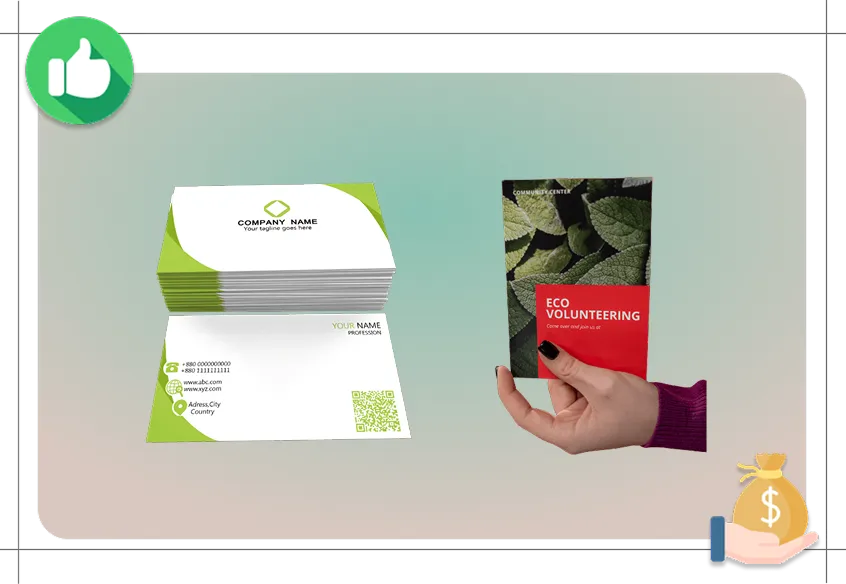
Exporting layered PSD files, CMYK color profiles for print, and multiple format variations.

Quality Upscaling

Converting designs to print resolution without pixelation or quality loss.

Editor Pro gives you professional-level

design control without needing to learn Photoshop.

Work with complex designs like a professional studio, with full control over every element.

  • Take on complex branding projects that basic AI users can't handle. Charge premium rates for precision work.

Paint in new elements or fix specific areas with brush control, edge feathering, and strength adjustment.

  • Deliver client revisions in minutes instead of hours. Increase client satisfaction and reduce revision cycles.

Extend your designs beyond their original borders intelligently, maintaining style and quality.

  • One design becomes multiple formats. Offer clients complete marketing packages from single concepts.

Swap backgrounds while automatically matching lighting, shadows, and color temperature.

  • Offer product photography services without studio equipment. Create lifestyle shots that sell better.

Replace specific objects in designs while maintaining perfect lighting and color consistency.

  • Create product variations rapidly. Handle client change requests professionally.

Fine-tune text kerning, warp, and positioning with slider controls. Auto-detect fonts and create vector text.

  • Compete with traditional graphic designers on typography quality. Justify premium pricing.

Create print-quality files from any design. Export to PSD, transparent PNG, and CMYK formats.

  • Take on print design projects. Work with commercial printers. Serve enterprise clients.

Compare design variations side-by-side and revert to previous versions at any time.

  • Present proposals like a professional agency. Reduce client decision time.

Automatically create social media, print, and web versions from one design with safe zones.

  • Increase average project value. Offer social media management services.

Yes, I'm ready to become a Master With FLAXXA STUDIO Editor Pro

You Definitely Need Editor Pro if you're...

A Professional Freelancer looking to charge premium rates and can't afford amateur-looking details.

A Small Agency Owner managing multiple clients who need precision control and professional file delivery.

A Print-on-Demand Seller who wants to create variations and improvements without regenerating successful designs.

A Social Media Manager who needs designs in multiple formats and brands with consistent styling.

An Amazon Publisher who needs precise control over book covers and interior layouts.

An E-commerce Business Owner who needs product photography and can't afford studio shoots.

Anyone earning $2,000+ monthly from design work who wants to scale to $5,000+ monthly with professional capabilities.

Let me break this down.
  • ❌ Generate designs and hope they're perfect

  • ❌ Start over when clients want small changes

  • Limited to whatever the AI creates

  • ❌ Can't handle complex client requests

  • ❌ Compete on price because work looks amateur

  • Make surgical edits to perfect designs

  • Handle client revisions professionally

  • Control every aspect of your designs

  • ✅ Take on complex, high-paying projects

  • ✅ Charge premium rates for professional quality

"My Client Projects Doubled in Value"

"Before Editor Pro, I was basically an AI prompt writer. Clients paid me $200-300 for designs I couldn't really control. Now I can fine-tune everything - typography, lighting, layouts, colors. My projects average $600-800 because clients see me as a real designer, not just someone who uses AI tools."

Robert DeFazio - Freelance Designer

"Finally Competing with Pro Designers"

"Photoshop has a steep learning curve I never had time for. Editor Pro gives me professional control with an intuitive interface. I'm winning clients from traditional designers because I deliver faster while maintaining quality. My design business hit $8,400 monthly last quarter."

Maria Santos - Design Consultant

"Print Projects Are Now 60% of My Income"

"The professional export options changed my business. I can now handle business cards, brochures, large format prints - work I had to turn down before. Print projects pay 3x more than digital work. Added $3,200 monthly to my revenue stream."

David Ochoa - Commercial Designer

Here's Everything Included
with Editor Pro

Advanced Canvas Workspace

Full layers, masks, and guides system for complex design work without the Photoshop learning curve.

Precision Inpainting Controls

Professional brush tools with edge feathering and strength adjustment for surgical design edits.

Smart Canvas Extension

Intelligently expand designs beyond original borders while maintaining style consistency and quality.

Professional Background Tools

Remove, replace, and relight backgrounds with automatic shadow and highlight matching for realistic composites.

Smart Object Replacement

Swap specific elements while maintaining perfect color temperature and lighting consistency throughout the design.

Advanced Typography System

Professional kerning controls, font auto-detection, and vector text overlays for studio-quality typography.

8x Professional Upscaling

Convert any design to print quality with PSD, transparent PNG, and CMYK export options for commercial printing.

Version Control System

Side-by-side comparison tools and complete version history with one-click revert capabilities.

Batch Platform Optimization

Automatically generate social media, print, and web versions from single designs with proper safe zones.

Professional File Delivery

Export in all commercial formats including layered PSD files for client handoff and professional workflows.

Advanced Color Management

CMYK presets and color profile management for accurate print reproduction and brand consistency.

Studio-Grade Compositing

Seamless element integration with automatic lighting, shadow, and perspective matching for photorealistic results.

One-Time Fee Only

Flaxxa Studios Editor Pro

Includes:

  • Perfect Editor for Perfect Editing

  • AI Upscaler for Print-Ready Quality

  • Advanced Editor: full canvas workspace with layers, masks, guides

  • Inpainting / Human Inpainting (pro controls)

  • Outpainting / Smart Expand (edge-aware)

  • Background Remover/Changer + Relight & Shadow Match

  • Object Erase & Smart Replace

  • Priority Support

  • 30-Day Money Back Guarantee

  • Commercial License Included

Plus, Get These Fast Action Bonuses

  • Bonus #1: Miscellaneous Stock Photos V316
  • Bonus #2: Social Media Boom Software
  • Bonus #3: Super Hero Inspiration

TOTAL VALUE $1597

Get Access to LAUNCH PRICE

$97.00 $67

TODAY ONLY!

Flaxxa Studios - Editor Pro

In no way are we associated with Facebook. Once you leave Facebook the responsibility is no longer on
any Instagram owned entity. Your information and privacy is totally secure and will NEVER be shared.
Facebook is in NO WAY associated with this website oranything here.

Disclaimer: Please note that this product does not provide any guarantee of income or success. The results achieved by the product owner or any other individuals mentioned are not indicative of future success or earnings. This website is not affiliated with FaceBook or any of its associated entities. Once you navigate away from FaceBook, the responsibility for the content and its usage lies solely with the user. All content on this website, including but not limited to text, images, and multimedia, is protected by copyright law and the Digital Millennium Copyright Act. Unauthorized copying, duplication, modification, or theft, whether intentional or unintentional, is strictly prohibited. Violators will be prosecuted to the fullest extent of the law. We want to clarify that JVZoo serves as the retailer for the products featured on this site. JVZoo is a registered trademark of BBC Systems Inc., a Florida corporation located at 1809 E. Broadway Street, Suite 125, Oviedo, FL 32765, USA, and is used with permission. The role of JVZoo as a retailer does not constitute an endorsement, approval, or review of these products or any claims, statements, or opinions used in their promotion.

Copyright © 2025 All rights reserved.